Blog Article
Restaurant Digital Menu Board Guide
What a digital menu board is, what it costs, and how to pick one your restaurant team can actually update without reprinting menus or calling IT.
The problem: your menu board is stuck
If your restaurant still runs on laminated menus, printed inserts, or a TV frozen on one JPEG from 2019, you already know the pain. Specials change faster than print shops. Prices drift. Staff spend time swapping tape instead of running the floor.
A digital menu board fixes the update problem. The catch is picking a setup your team will actually use after week one.
This guide walks through what restaurant digital menu boards are, what they cost, what to compare before you buy, and how to avoid the install that looks modern on day one and becomes wallpaper by month three.
What is a digital menu board?
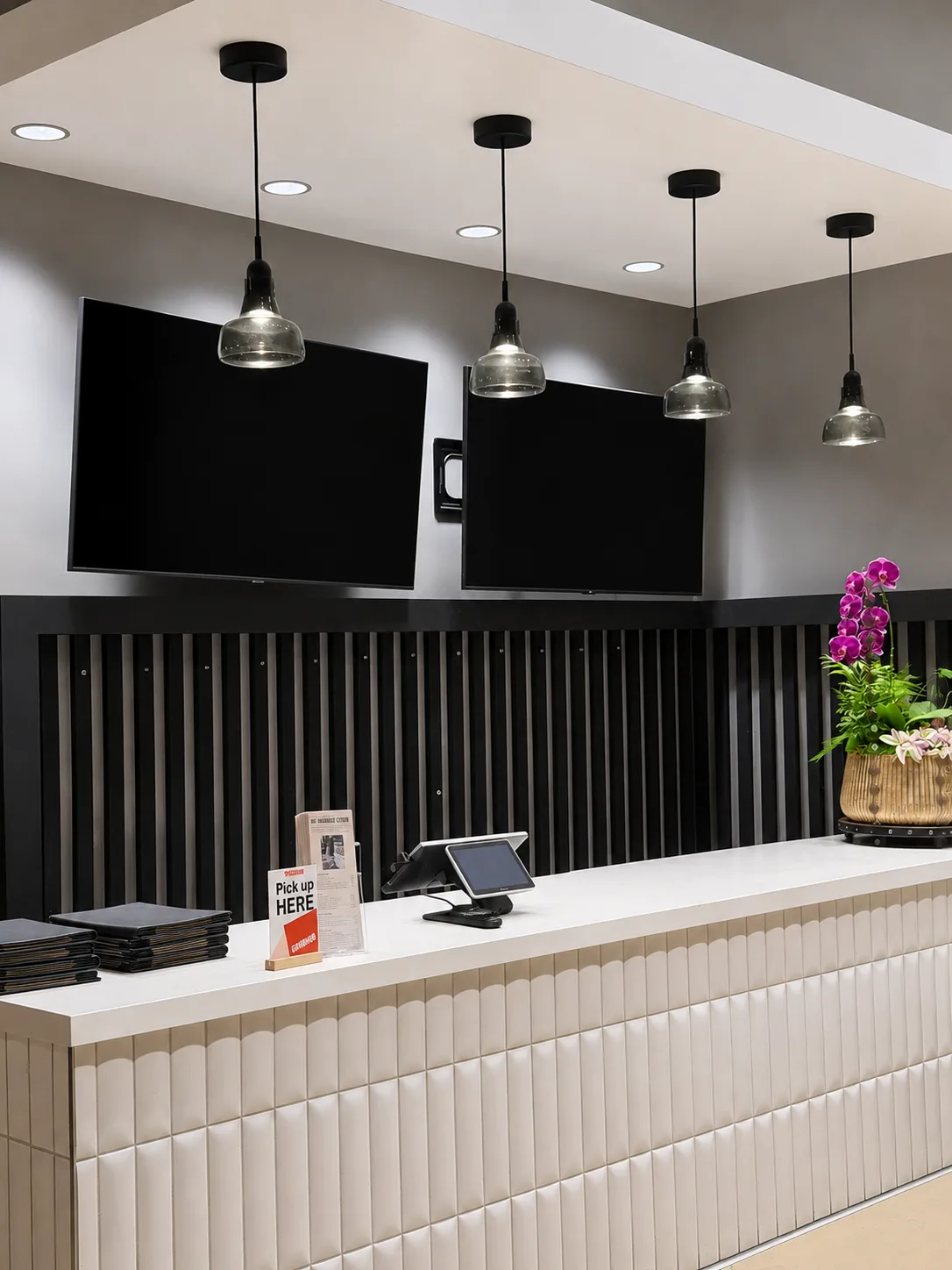
A digital menu board is a wall-mounted display that shows your menu, specials, brand content, and promos. You update it from software instead of a print shop.
For most sit-down restaurants, fast-casual spots, and cafés, that means four pieces working together:
- A commercial or compatible display (43“ is the common starting size for a main dining-room board)
- A media player that keeps content on loop
- Menu board software to upload images, videos, and text overlays
- Installation: mount, power, Wi‑Fi, and a layout guests can read from across the room
The goal is not “a TV on the wall.” The goal is a board your manager can update before dinner service. Price change, 86’d item, tonight’s special: publish in minutes, not days.
Lunia Sign is built for indoor dining-room boards at restaurants, cafés, and similar sit-down venues. It is not a drive-thru or outdoor menu system. If you need a lobby or back-bar screen, the same workflow often applies, but sight lines and mount height still need to match how guests actually read the room.
Why restaurants switch from printed menus
Printed boards work until they don’t. These are the problems digital menu boards solve most often:
- Specials change faster than print cycles. Chef’s feature tonight, sold out by lunch tomorrow. Printing cannot keep up.
- Pricing updates are painful. A paper reprint for every modifier or add-on adds cost and delay.
- The wall stops selling. Static boards do not rotate promos, wine pairings, events, or brand video between menu slides.
- Staff time disappears. Someone is always swapping inserts, fixing tape, or explaining why the board still shows last week’s happy hour.
A good digital menu board does not remove design work entirely. You still need readable layouts. It removes the reprint bottleneck and gives you a playlist you control.
What to look for before you buy
Not every “digital signage” package is built for restaurants. Use this checklist when you compare options:
1. Can your floor staff update it?
If only one person has the login, or every change routes through a vendor ticket, the board will drift out of date. Look for a phone app or simple dashboard anyone on the team can learn in one shift.
2. Is installation included or an afterthought?
Consumer TVs plus a streaming stick are cheap upfront. They are also easy to mount wrong, lose Wi‑Fi, or leave with a messy cable run. For a dining-room board guests stare at all night, professional install matters. Power, mount height, and portrait vs landscape orientation should be decided before the holes go in.
3. Do you own the content workflow?
Some POS bundles include menu boards, which is convenient if you already live in that ecosystem. Others lock you into templates you cannot brand. Know whether you can mix menu slides, logo loops, video, and QR codes in one playlist.
4. What does monthly software actually include?
Read the recurring line item. Cheap hardware with expensive CMS fees adds up. Check whether support, design help, or a website are bundled or billed separately.
5. Is the display readable in your room?
Brightness, glare, viewing distance, and font size matter more than 4K specs. A board that looks crisp at the counter but muddy from table 12 fails the job.
Portrait or landscape: which layout fits your dining room?
This decision affects price, readability, and install labor. Decide it before you buy hardware.
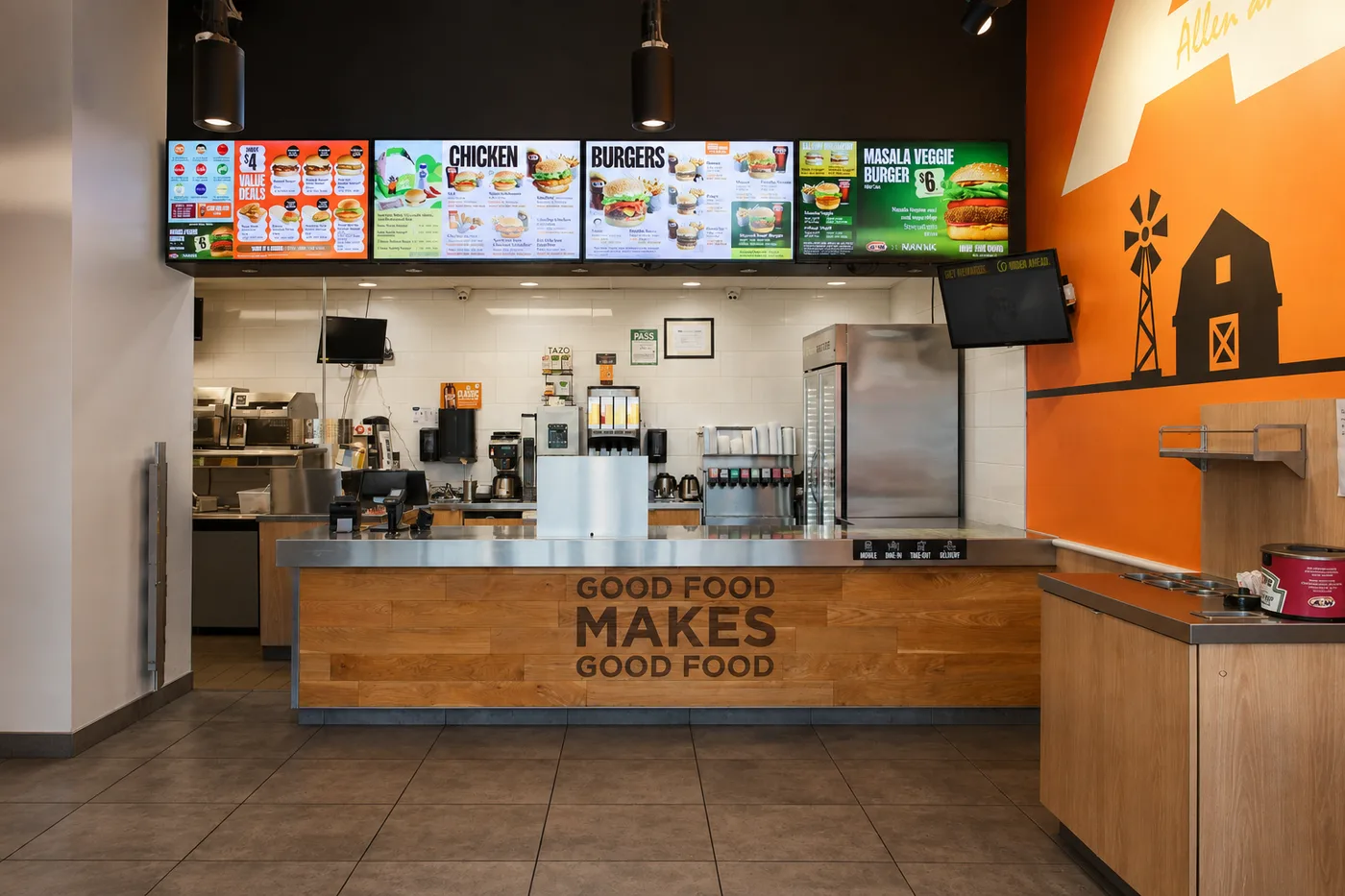
Portrait (vertical) works well for long category lists: appetizers, entrees, sides, desserts stacked top to bottom. Guests scan down the wall the way they scan a printed menu. Lunia Sign’s 43“ vertical tier is $1,299 one-time with Installation Included within 50 miles of ZIP 92612.
Landscape (horizontal) fits wide combo-style layouts, multi-column menus, or walls where you have more width than height. The 43“ horizontal tier is $1,099 one-time with the same install coverage.
If you are unsure, stand where guests sit and mock up both orientations with painter’s tape on the wall. The readable one is usually obvious in five minutes.
Digital menu board cost (what to budget)
Restaurant digital menu board pricing usually splits into one-time hardware/install and monthly software.
| Approach | Typical one-time | Typical monthly | Tradeoff |
|---|---|---|---|
| DIY (TV + stick + free app) | $200–$600 | $0–$30 | Lowest upfront cost; you handle mount, wiring, support, and content |
| POS-bundled boards | Varies by vendor | Often tied to POS | Convenient if already on that platform; less flexible for brand video and multi-slide playlists |
| Installed restaurant package | $800–$2,000+ per screen | $20–$80+ | Higher upfront; includes mount, player, and someone to make it work on day one |
Lunia Sign publishes pricing directly for Southern California restaurants:
- 43“ vertical: $1,299 one-time (hardware + Installation Included within 50 miles of ZIP 92612, Irvine hub)
- 43“ horizontal: $1,099 one-time (same install coverage)
- Use your own screen: $282.90 one-time (player kit + install labor)
- Software: $50/mo (app, website, extended support, and five custom graphics per month)
Additional screens at the same location cost less on the hardware side because install labor is already on site. See current Sign pricing or the restaurant install page for industry-specific details.
Outside our install radius, we still handle custom and multi-site quotes. Standard 43“ and BYO tiers are built for Orange County and nearby cities.
Hardware: buy the panel or bring your own?
Buy a 43“ restaurant board
For most dining rooms, a 43“ commercial panel is the standard starting size. Large enough for categories and prices, small enough to mount without dominating the room. Portrait layouts suit long menu lists; landscape fits wide combo-style boards.
Lunia Sign stocks 43“ as the launch SKU. Larger sizes are sourced on request for custom quotes.
Bring your own screen
Already have a compatible TV? A player kit + install path can make sense for a secondary wall or back-bar display. You still want the same software and support story. Otherwise you are back to juggling HDMI sticks and mystery remotes.
Software: what your team will do every week
Think in playlists, not single images.
A practical restaurant playlist might rotate:
- Core menu (entrees, sides, modifiers)
- Tonight’s special (one slide you swap daily)
- Happy hour / wine / dessert (timed promos)
- Brand loop (logo, short video, reservation QR)
Good menu board software lets you enable, disable, and reorder slides without rebuilding the whole board. That is the difference between a board that stays current and one that becomes wallpaper.
Lunia Sign includes phone and desktop control, video support with custom lengths, and five professionally designed graphics each month. Useful when you want fresh promo art without opening Photoshop between services.
When the screen is only part of the problem
Most digital menu board vendors sell you a player and a template library. That is enough if all you need is slides on a wall. It falls short when your restaurant also needs a reservation flow, a private-events intake form, a waitlist guests can join from their phone, or a catering page that actually matches how you take orders.
Those tools usually live on a separate website, a third-party app, or a POS add-on that does not talk to your board. You end up with three logins, three vendors, and a QR code on the screen that sends guests somewhere your team does not control.
Lunia is a software studio first. Sign is the installed product, but the same team builds and hosts the business website bundled with your $50/mo plan. If you outgrow the standard package, we can scope custom work: reservation requests, event inquiries, loyalty signups, menu sync between site and screen, or other workflows your GM actually needs. You are not stuck explaining your restaurant to a national signage help desk. You reach the people who installed the board and wrote the software.
That combination is unusual in this category. Hardware installers rarely write code. SaaS menu apps rarely mount your wall. Lunia does both, which is why growing restaurants treat Sign as infrastructure, not just another subscription.
Installation basics (what has to be true on site)
Before you schedule an install, confirm:
- Power: an outlet behind or near the mount (extension cords across guest paths are a non-starter)
- Wi‑Fi: stable signal at the screen; guest Wi‑Fi alone is often not enough
- Mount surface: drywall, masonry, or a floor stand rated for the panel weight
- Sight lines: guests can read prices from their tables, not just from three feet away
- Orientation: portrait vs landscape decided before the mount holes go in
We install across Orange County and nearby within 50 miles of Irvine (92612). If you are in that zone, schedule installation from the Sign page. Booking runs through our install wizard with ZIP eligibility built in.
Common mistakes to avoid
- Mounting a consumer TV like a commercial panel. Heat, bezel width, and portrait mounting matter for all-day operation.
- Choosing software your GM will not touch. Complexity kills updates.
- Ignoring readability. Dark photography, tiny type, and ten-second slide times lose guests.
- Forgetting the website. Guests often check the menu on their phone after seeing the board. Lunia Sign bundles a business website with the $50/mo software plan so screen and site stay aligned.
- Buying for drive-thru when you need dining room. Outdoor brightness, enclosure, and menu distance are a different product category. Match the board to where guests actually stand and read.
FAQ
How much does a digital menu board cost for a restaurant?
Most restaurants budget $800–$2,000+ per screen installed, plus $20–$80/month for software. Lunia Sign publishes $1,099–$1,299 one-time for 43“ installs in-area and $50/mo for software, website, support, and monthly graphics.
Can I update menu prices myself?
With the right software, yes. Same day, from your phone. That is the main reason restaurants switch. Avoid packages where every change routes through a ticket queue.
Do I need a special TV?
You need a display that can run all day, mount securely, and show text clearly from across the room. Commercial panels are the safe default. Some existing TVs work with a player kit if they meet mount and heat requirements.
Is digital menu board software the same as digital signage?
Same category, different buyer intent. “Digital signage” is the industry term. “Digital menu board” usually means restaurant menu use: playlists, prices, food photography, promos. Look for restaurant-friendly workflows, not generic ad loops.
What if I am outside Orange County?
Lunia Sign’s standard 43“ and BYO installs are available within 50 miles of ZIP 92612. Outside that radius, contact us for custom / multi-site options. The Contact path is always on lunia.design/sign.
Next step for OC restaurants
If you want a dining-room board your team can update before service, with install, software, website, and support in one line item, start on the Lunia Sign restaurant page. You can check ZIP eligibility and schedule installation from there.
Questions before you book: 714-905-5551 or hello@lunia.design.